
Online collaborative whiteboard to get things done together
Sketchboard's virtual whiteboard solution helps you to innovate ideas and solve complex problems together.
users sketching their way to great results.
Now it's your turn.

Collaborative whiteboard for planning, diagramming, and remote teamwork
Sketchboard is an online collaborative whiteboard and shared whiteboard for teams that need more structure than a blank canvas. Use it to sketch product ideas, diagram software systems, run remote planning sessions, and keep distributed teamwork visible in one place.
Explore the online whiteboard when you want a focused look at collaborative diagramming, or visit pricing to compare plans for teams, businesses, and private collaboration.
For distributed teams to work from anywhere

Rita from Boston

Saiki from Helsinki


Brian Baldino,
Principal Developer at Jitsi
“I've used a lot of online diagramming tools and I think what you've got is really great. I think Sketchboard is a great piece of software.”
“Ease-of-use is really important: with Sketchboard I can focus on the code and how it interacts rather than fighting with the tool.”

Adrian Jakubiak,
Programmer at Crunching Koalas
“The two top things I just LOVE about Sketchboard are:”
- lack of usual constraints. I can still create dependency and decision chains, but I don't have to, which is just awesome
- how easy it is to modify existing board's content, with all connections' visualization being recalculated when moving objects around
Get the best out of your distributed team
Sketchboard works great with product teams, consultants and bigger organizations. Work remotely with your teammates at the same time on a web whiteboard, get immediate feedback and track their movements. Forget the email back and forth and the time-consuming meetings. Get free to work and collaborate from anywhere at any time.
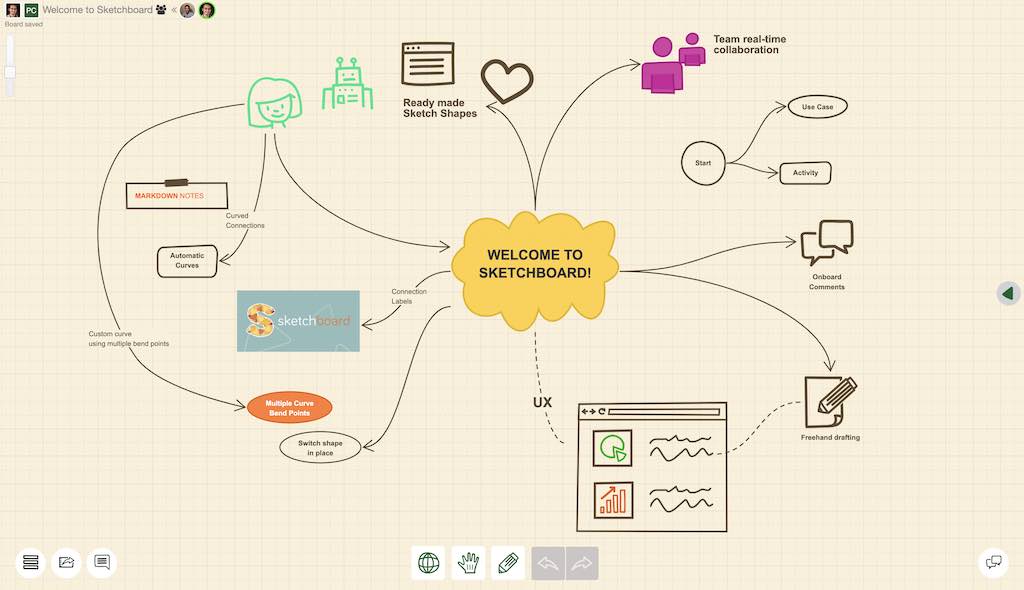
Teamwork for the best results
Some thoughts develop only when you transplant them into another mind. Sketchboard provides a productive digital workspace that makes it easy to share ideas. You can visually collaborate on its infinite canvas to get feedback and brainstorm with your team.
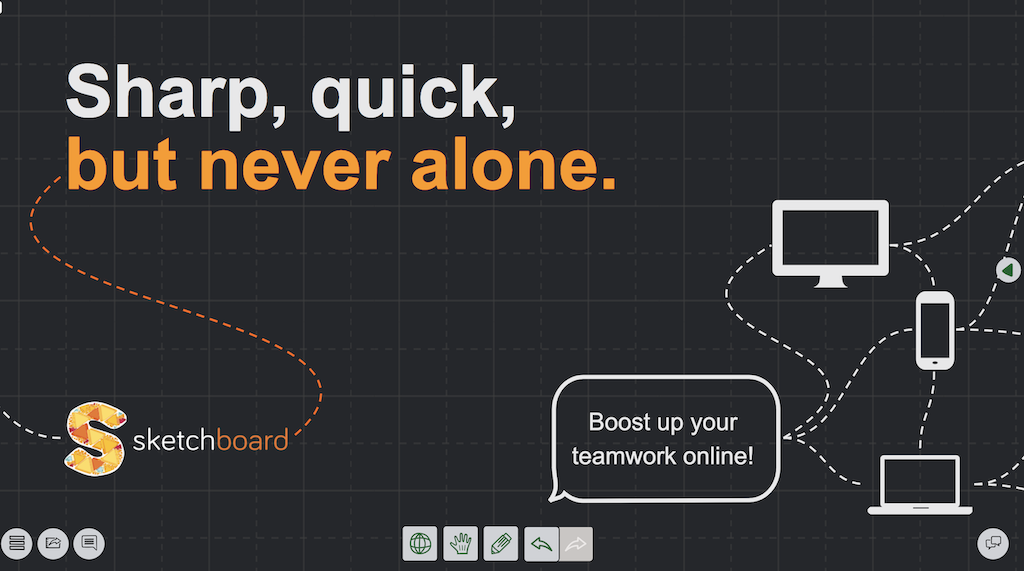
Organic looks boost your teamwork
Sketchboard revolves around ideas, not looks. We believe an organic feel encourages collaboration and feedback. Choose from over 400 sketch shapes with automated connections and note down your thoughts to bring your vision to life in no time.
Learn more about Sketchboard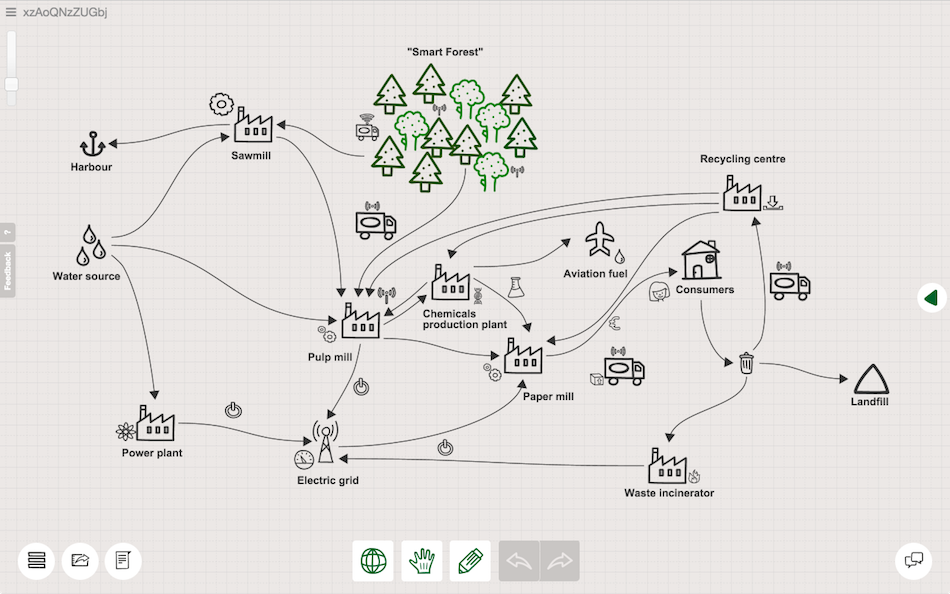


Integrations with your favorite tools
Sketchboard provides smooth integrations with Microsoft Teams, Slack, GitHub, Webex and Google Drive. Use Sketchboard to make your favorite tools a part of your visual collaboration process.
Don't miss out on this chance to work smarter, not harder.




Top online whiteboard uses
Powering up your brainstorming
Sketching UX Flows
Mapping your Mind
Spotting bugs faster
Sketch Roadmaps
Daily & Weekly Notes
Frequently asked questions
What is an online whiteboard?
An online whiteboard is a browser-based, collaborative canvas where teams can sketch, diagram, and organize ideas together in real time. It works on any device and lets you share a link to start collaborating instantly.
Is Sketchboard free?
Yes. You can start with the free plan, which includes up to 3 editable boards and 5 users. Paid plans add more boards and advanced team features.
Can I draw together online?
Yes. Multiple people can draw and edit on the same board at the same time, with live cursors and updates so everyone stays in sync.